
RFP response software is a platform that helps teams answer requests for proposals faster by storing approved answers in a searchable content library, autofilling repeat questions, routing drafts to subject matter experts, and tracking review and approval. Many platforms add AI drafting, and the strongest keep every generated answer tied to an approved source.
Most proposal, security, and compliance teams are not short on answers. They are short on a dependable way to find, trust, and reuse those answers under deadline. This guide explains what RFP response software does, how it compares with the alternatives teams use today, and what to test before you commit to a platform.
| APPROACH | WHERE ANSWERS COME FROM | REVIEW AND APPROVAL | AUDIT TRAIL | BEST FIT |
|---|---|---|---|---|
| Shared drive and past responses | Copy and paste from old files | Informal, by email or chat | Rarely complete | Very low RFP volume |
| Generic AI chat tool | Public model knowledge plus whatever is pasted in | Manual, easy to skip | None by default | Brainstorming, not final answers |
| RFP response software | Governed library of approved answers | Built-in workflows and sign-off gates | Recorded per action | Recurring RFPs, DDQs, and security questionnaires |
What RFP Response Software Does
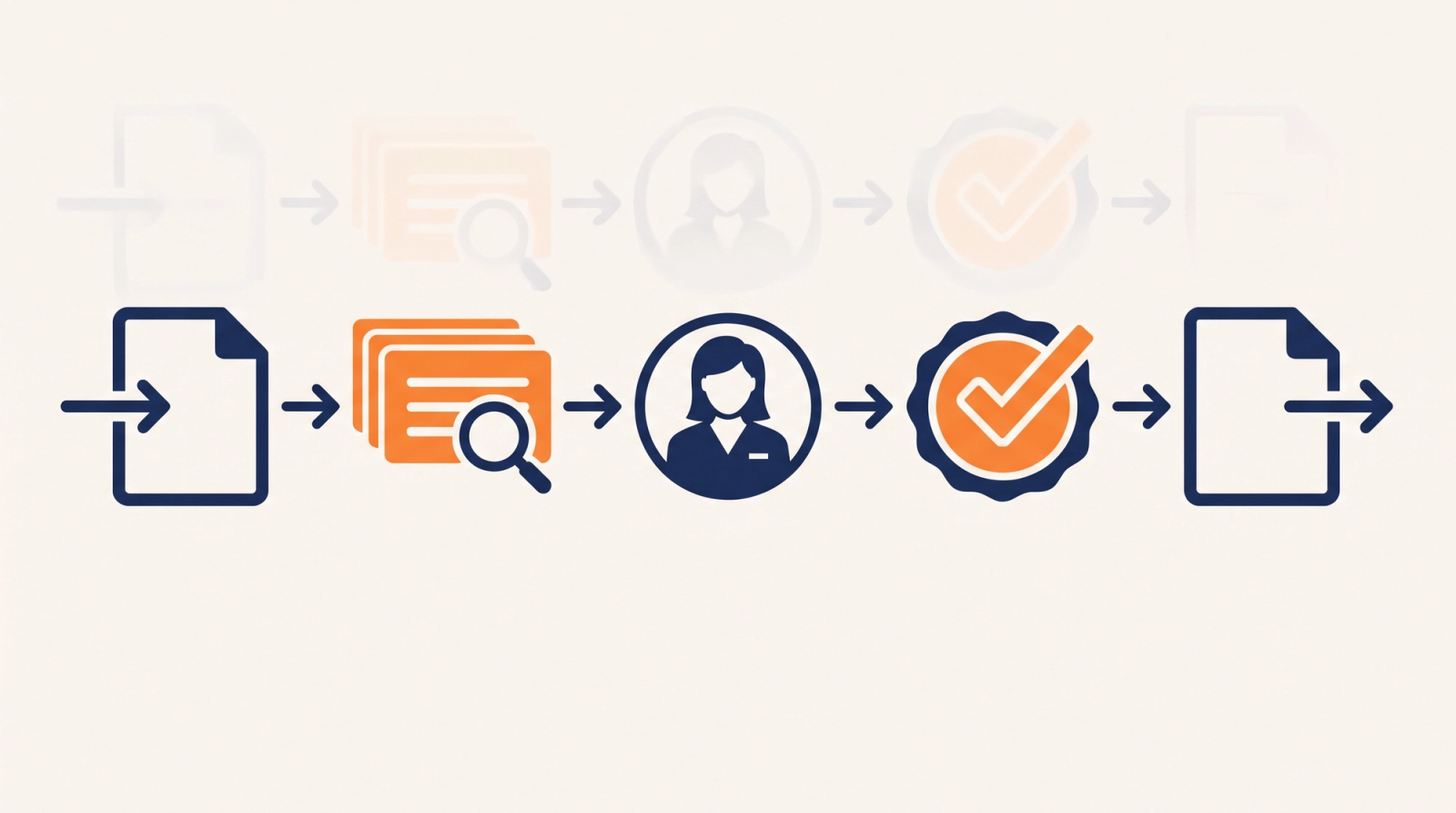
Platforms differ in polish, but nearly all of them are built to handle the same five jobs.
- Content library. A central, governed home for approved answers, tagged by product, region, or line of business, so the team stops hunting through old proposals.
- Autofill and search. Matching incoming questions against the library so repeat questions are answered in seconds, and similar answers surface when there is no exact match.
- Expert collaboration. Assigning questions to subject matter experts and tracking who owes what, instead of chasing replies across inboxes.
- Review and approval. Routing drafts through the sign-offs that legal, security, and compliance require before anything goes out.
- Export and formatting. Returning the finished response in the buyer's own format, whether that is a Word document or a multi-tab Excel questionnaire.
RFP Response Software vs. RFP Automation vs. Proposal Management
These terms overlap, which makes vendor pages confusing. RFP automation usually describes the reuse layer: search, autofill, and drafting. Proposal management is the broader discipline that also covers qualification, kickoff, color team reviews, and debriefs. RFP response software is the system where the team does the work, and a good one supports both. If you are comparing named vendors side by side, the RocketDocs buyer's guide to RFP software lays out the criteria in more detail.
Who Uses RFP Response Software
Proposal managers and writers are the daily users, but they are rarely the only ones. Sales teams pull approved language for their own proposals, security and compliance teams answer recurring SIG, CAIQ, and due diligence questionnaires, and subject matter experts in product, legal, and IT contribute once instead of answering the same question every quarter. Because so many functions touch the same answers, the platform needs permissions that control who can edit approved content and who can only reuse it.
Asset managers, banks, insurers, healthcare organizations, and software vendors tend to feel the pain most, since their buyers send long questionnaires with strict accuracy expectations. A wrong answer in these settings is a risk issue, not a typo.
How to Evaluate RFP Response Software
Start with the content library, not the AI
Software only saves time when the answers inside it can be trusted. The Consortium for Service Innovation's Knowledge-Centered Success (KCS) methodology is a useful lens here, because it treats knowledge as something captured and improved in the flow of everyday work rather than in a separate documentation project. Ask how the platform keeps answers current: scheduled reviews, named owners, version history, and a clear way to retire stale content. The Consortium for Service Innovation publishes guidance that response teams can borrow even though it was written for support organizations.
Test the AI for sourcing and privacy
AI drafting is now standard, so the useful questions are about control. Does every draft trace back to approved content? Is customer data sent to outside model providers? Are generated answers flagged for human review? Regulated teams can borrow vocabulary from the NIST AI Risk Management Framework, which organizes AI risk work into Govern, Map, Measure, and Manage. On the RocketDocs platform, the private AI engine Astro drafts from your approved knowledge base, flags every AI-generated response for human review, and does not send your data to third-party AI providers.
Check how it handles Word and Excel
Buyers rarely send a clean web form. They send Word files and Excel workbooks with several tabs and unusual layouts. Bring a real questionnaire to every demo and watch how the tool imports it, places answers, and exports the result without breaking the formatting. Working inside Word and Excel directly, rather than in a separate window, also cuts down on copy and paste errors.
Confirm approvals and the audit trail
For financial services, healthcare, and life sciences teams, a response is a record. You need to show who wrote an answer, who approved it, and when it changed. Look for configurable approval gates, permissions that vary by role, and an audit trail that covers every action rather than only final submissions.
An RFP Response Software Evaluation Checklist
Use the table below as a scorecard during demos. Ask for evidence, not promises.
| EVALUATION AREA | QUESTION TO ASK | EVIDENCE TO REQUEST |
|---|---|---|
| Content governance | How are answers owned, reviewed, and retired? | Live demo of review cycles and version history |
| AI controls | Where does AI draft from, and where does data go? | Written data handling and model provider policy |
| File handling | Can it import and export our real Word and Excel files? | Run one of your own questionnaires |
| Workflow | Can approvals match our actual sign-off process? | Configure one of your workflows during the demo |
| Integrations | Does it connect to the tools our sellers and reviewers use? | Integration list and a walkthrough |
| Security | What independent assurance does the vendor hold? | Current SOC 2 report and certifications under NDA |

Run a Pilot Before You Commit
A demo shows the best case. A pilot shows your case. Load a focused slice of your approved content, then run two closed or low-risk questionnaires through the platform. Track how long the first draft takes, how many questions need an expert, and how heavily reviewers edit the output. Compare those numbers with your current process so the decision rests on your own data.
If you want to see how this works on your own questionnaires, book a RocketDocs demo and bring a real RFP or security questionnaire.
Looking for the platform behind this? See the RocketDocs platform or book a demo.


