
RocketDocs 2.69.0, released June 30, 2026, targets the slowest parts of the response cycle: filling repetitive fields, marking questions, and pushing content through review. The headline change is generative AI that autofills Excel questionnaire dropdowns, so RFP automation now reaches the data-validation cells that used to demand manual clicks. Alongside it are four workflow upgrades that let teams act in bulk instead of one item at a time. Here is what shipped and how each change affects proposal, DDQ, and security-questionnaire teams.
Generative AI Autofill for Excel Dropdown Lists
Questionnaires are full of constrained-response fields: yes, no, not applicable, compliant, in progress. In Excel these are enforced with data-validation rules, and until now a person had to read each prompt and pick the allowed value by hand. RocketDocs now uses generative AI to select the correct response from within the permitted options, which removes one of the most tedious steps in any RFP automation or security questionnaire workflow.
The classification runs whether or not you select the GenAI option during question marking, so it applies broadly across a file. Every generated answer is visible in LaunchPad for the human-in-the-loop review that regulated teams require before anything is marked complete. You can also re-upload the file and run it again to populate narrative responses in a comment column, which keeps free-text answers and constrained answers in one pass. Access requires the GenAI permission on your account.
This matters because constrained fields are where volume hides. Security frameworks such as the Shared Assessments SIG questionnaire and NIST-aligned assessments can run to hundreds of validated cells, and Microsoft's own guidance on Excel data validation shows how rigidly those lists are defined. Letting AI resolve them first means your experts spend their time on judgment calls, not dropdowns.
Bulk Question Marking in LaunchPad for Excel
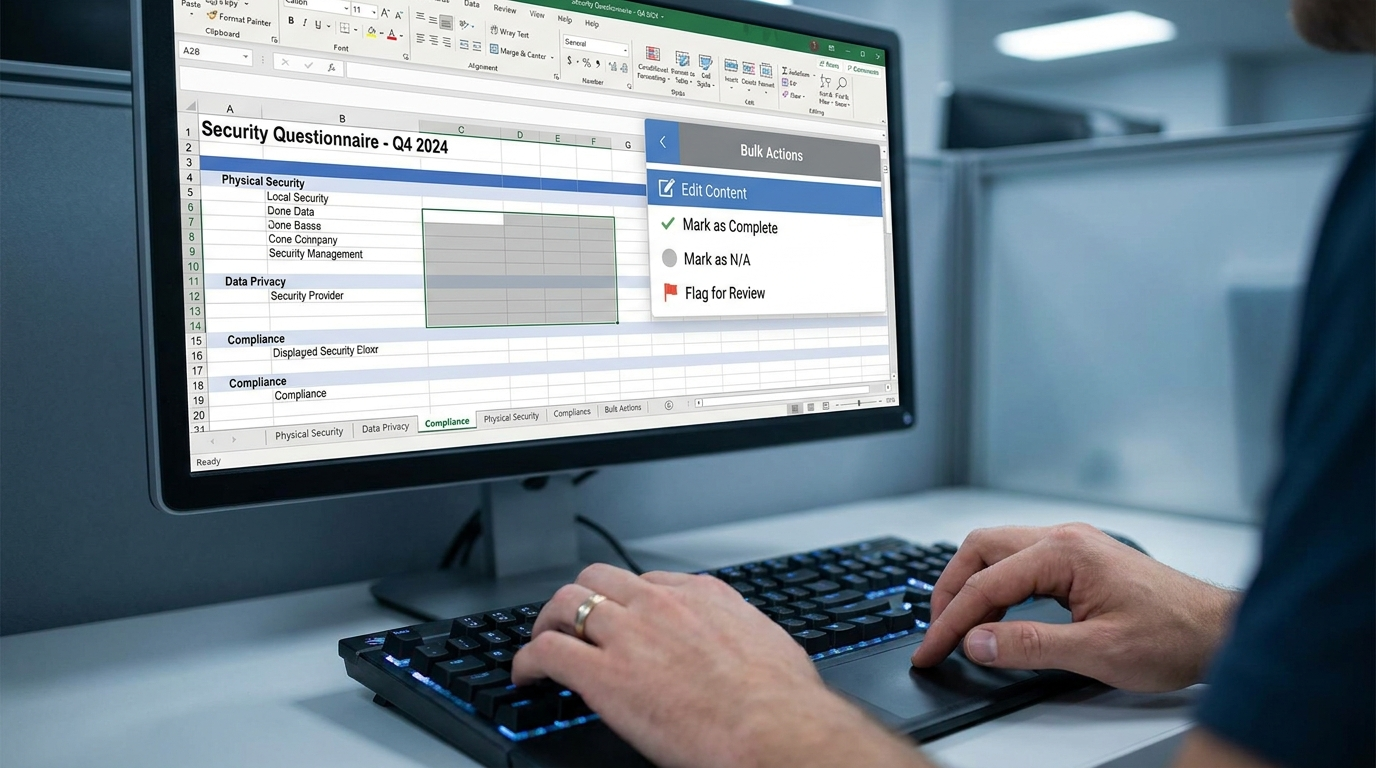
Last month RocketDocs brought bulk question marking to Word inside LaunchPad. Release 2.69.0 extends the same capability to Excel. Instead of marking each cell individually, you can select a contiguous block and mark it all at once, and skip sections that do not need a direct response. Every selected cell that contains text is treated as a question, so the selection has to be contiguous to stay accurate. For anyone who has scrolled through a multi-tab security questionnaire, this collapses a long manual step into a single action.
Faster Content and Review Workflows
Two changes speed up the content side of the house. First, a new Apply Style Template button lets you bulk-apply style definitions to your content records at once rather than editing them one by one. Updated records display a notification that formatting may have changed, so nothing shifts silently.
Second, group assignments now support update and save. A team of reviewers can update a content record at the same time, and members can save changes, or save and promote, without claiming the item. That keeps the record in the queue for the rest of the group, and outstanding and overdue notifications stay visible to everyone until someone promotes or publishes it. For proposal teams that split subject-matter review across several people, this removes the bottleneck of a single locked assignment. Industry bodies like the Association of Proposal Management Professionals have long argued that parallel review, not sequential handoffs, is what compresses response timelines.

Bulk Options in RapidDocs
RapidDocs projects can carry hundreds of variable content insertions, and setting them one at a time is slow. You can now select a set of insertions, open Menu, choose Edit Content, and apply settings to all of them together. Selecting None in any dropdown clears that option for the selected items, while leaving a field blank preserves current values, so bulk edits stay predictable.
Before and After: Where RFP Automation Saves Time
The table below shows how the same tasks change under 2.69.0.
| TASK | BEFORE 2.69.0 | WITH 2.69.0 |
|---|---|---|
| Excel dropdown responses | Selected manually, cell by cell | AI selects the allowed value, human reviews in LaunchPad |
| Marking questions in Excel | One cell at a time | Contiguous block marked in a single action |
| Style updates | Applied per content record | Applied in bulk with an Apply Style Template button |
| Group review | Item locked to whoever claimed it | Members update and save in parallel, item stays in queue |
| RapidDocs settings | Configured insertion by insertion | Selected insertions edited together via Edit Content |
What to Do Next
Teams that run high volumes of RFPs, DDQs, and security questionnaires will feel the AI autofill and bulk marking changes first, since those touch the highest-frequency tasks. If you want a live walkthrough of the release, register for the Release Updates Webinar, where the team reviews each update and answers questions. To see how these capabilities fit an end-to-end workflow, explore the RocketDocs platform and follow the product updates feed to catch every major release.
Looking for the platform behind this? See the RocketDocs platform or book a demo.


