
An RFP tracker is a shared record of every request for proposal your team is considering or working on. It logs each opportunity's deadlines, owner, bid decision, status, and outcome in one place, so proposal managers can see workload, catch due dates early, and learn from every win and loss.
Most teams start with a spreadsheet, and for a small number of bids that is a reasonable choice. The trouble starts when volume grows, subject matter experts (SMEs) are pulled across several responses, and nobody can say with confidence which bids are due this week. The table below compares the three common ways teams run an RFP tracker.
| APPROACH | BEST FOR | STRENGTHS | LIMITS |
|---|---|---|---|
| Shared spreadsheet | Teams with low bid volume | Free, familiar, and easy to customize | Manual updates, no built-in reminders, and version drift |
| CRM opportunity list | Sales-led teams | Ties each bid to an account and revenue | Often too coarse to show question-level work or SME tasks |
| Response management software | Teams with steady volume and many SMEs | Deadlines, assignments, reminders, and outcomes in one workflow | Needs setup and team adoption |
What an RFP tracker should record
A useful tracker answers four questions: what is this opportunity, did we decide to pursue it, where is the work, and how did it end. Each question maps to a group of fields, and skipping any group leaves a blind spot later.
For the opportunity itself, capture the issuer, RFP title and number, where you found it, release date, question deadline, submission deadline, submission method, estimated contract value, and the single person accountable for the bid. For the decision, record bid or no-bid, the date, the score, and the reason. If you do not yet have consistent criteria, our guide to the bid/no-bid decision gives you a scoring structure to drop into those columns.
For the work, track the current stage, the SMEs assigned, which items are overdue, and which review gates are complete. For the outcome, log the submitted date, the result, the stated reason for a win or loss, any debrief notes, and the total cycle time from release to submission. The outcome fields are the ones teams skip most often, and they are the ones that make the tracker valuable over time.
How to build an RFP tracker in a spreadsheet
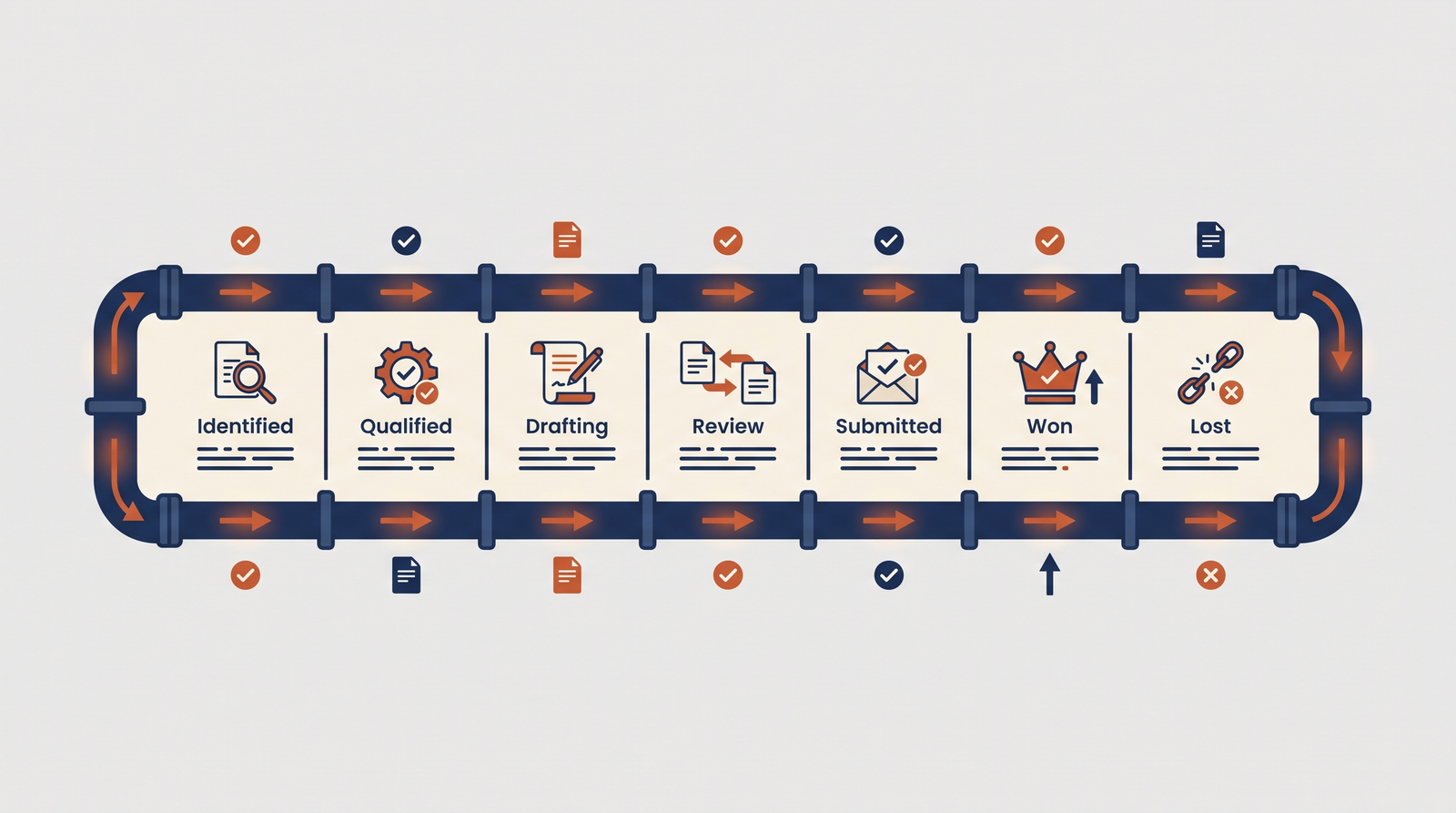
If you are starting with a spreadsheet, keep the design strict. Use one row per opportunity and create the row the day the RFP is found, not when someone decides to respond. Lock the status column to a dropdown with a fixed set of stages, such as identified, qualified, drafting, in review, submitted, won, lost, and no-bid, so reports never depend on free-text spelling.

Add conditional formatting to the date columns so any submission or question deadline within seven days turns red. Put question-level assignments on a second tab, with one row per question, an owner, and a due date, and link it to the opportunity row by RFP number. Finally, name one person who owns the tracker and reviews it in a standing weekly meeting. A tracker nobody reviews becomes a record of what already went wrong.
RFP tracking: the dates that actually matter
Good RFP tracking goes beyond the final due date. Buyers set several external dates, including the question and clarification deadline, any intent-to-bid or registration cutoff, and the submission deadline. Your team then needs internal dates behind each of those: SME draft due, first review, final review, and a submission buffer.
For U.S. public-sector bids, you can also monitor the source. On SAM.gov, anyone can search contract opportunities without an account, and a registered account lets you save searches and follow changes to opportunities. Following an opportunity means you hear about changes instead of finding them after the fact, and you can record each change in your tracker the same day.
Where spreadsheet-based RFP tracking breaks down
Spreadsheets fail in predictable ways. Updates depend on people remembering to make them, so the sheet is only as current as its laziest contributor. There are no automatic reminders, so deadlines slip until someone notices. Question-level work lives in email threads, which hides SME bottlenecks until the last days of a response. And outcome data stays disconnected from the CRM, so leaders cannot connect proposal activity to revenue.
When any two of those problems show up on the same bid, it is usually time to look at software built for the job.
What to look for in RFP tracking software
The strongest RFP tracking software treats tracking as a side effect of doing the work, not a separate chore. Look for due date tracking with notifications and reminders, assignments at the section or question level, and a view of overdue items by SME, by project, and by due date. RocketDocs describes these capabilities on its workflows page, including configurable approval gates and an audit trail that logs who assigned, edited, and approved each item.
Also check how the tool connects to your CRM. According to RocketDocs, its RFP response solution syncs project status, win and loss data, and cycle time back to Salesforce, and includes analytics on throughput, cycle time, win rates, and SME workload. Whatever platform you evaluate, ask to see the overdue view and the CRM sync working on real project data before you commit.
Metrics to review from your RFP tracker
Once your tracker holds clean data, review a small set of metrics each month: win rate by bid type, average cycle time, on-time submission rate, SME turnaround time, and the share of opportunities declined at the bid decision. Rising cycle time with a flat win rate usually points to a process bottleneck rather than a quality problem. A high no-bid rate with a rising win rate suggests your qualification is working.
To sanity-check your approach against peers, professional communities such as APMP, which serves an international community of proposal, bid, tender, business development, and capture professionals, are a good place to compare practices and certifications.
If your tracker has started to feel like a second job, see how the RocketDocs workflow tools handle deadlines, assignments, and reminders in one place.
Looking for the platform behind this? See the RocketDocs platform or book a demo.


