
Security questionnaires are how prospects decide whether your product is safe to buy, and how quickly your deal closes. A security questionnaire is a structured request, often a SIG workbook, a CAIQ, or a buyer's own template, that asks how you encrypt data, manage access, respond to incidents, and prove compliance. Answer one quickly and accurately and the deal keeps moving. Stall on it and a signed contract sits in limbo while your team hunts for the right person to confirm a single control. This guide lays out a repeatable way to respond faster without guessing or copying stale answers.
What a security questionnaire actually asks for
Most security questionnaires cover the same ground even when the format differs. Expect questions on encryption at rest and in transit, identity and access management, network and application security, vulnerability management, business continuity and disaster recovery, subprocessor oversight, and privacy commitments. Buyers use these documents to satisfy their own third party risk management obligations, so your answers become part of their audit record. That is why a vague or inconsistent response tends to generate follow-up questions rather than settle them.
Volume is the real challenge. A single enterprise deal can arrive as a 300-line SIG workbook, and an active vendor may field dozens of questionnaires a quarter, each overlapping but never quite identical.
Why security questionnaire response slows deals down
The bottleneck is rarely the substance of the answers. Your company already encrypts data and runs access reviews; the facts exist. The delay comes from coordination: locating the last approved wording, confirming it still holds, and getting a subject matter expert to sign off before it reaches the customer.
Three failure modes show up again and again:
- Approved answers live in an inbox or a stale spreadsheet, so every questionnaire starts close to zero.
- The same question gets answered three different ways by three people, which quietly erodes buyer trust.
- Security experts get pulled into line-by-line review on every deal, which does not scale as volume grows.
Fixing these is less about working harder and more about building a system that reuses what you already know.
SIG vs CAIQ vs NIST vs custom questionnaires
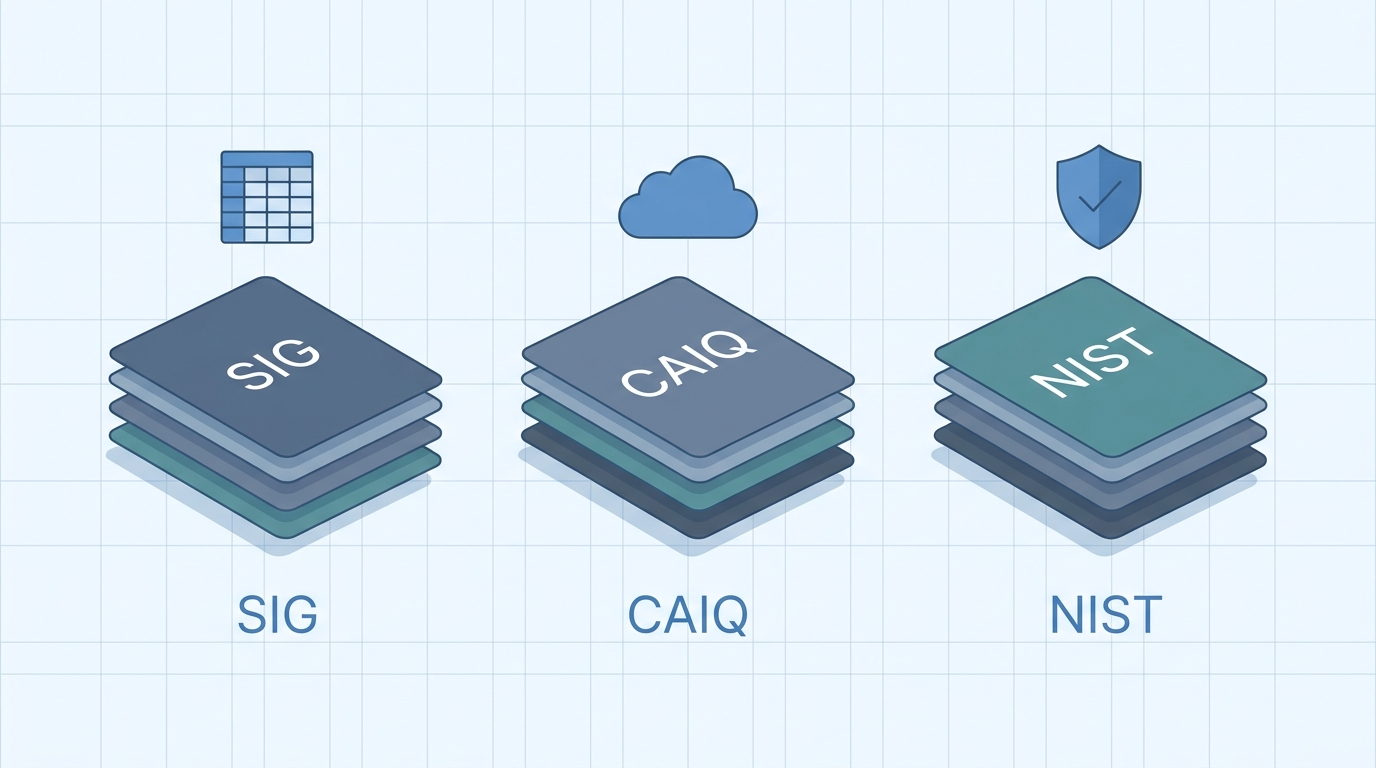
Identifying the framework in front of you tells you how to answer it and how much can be reused from past responses. The table below compares the formats a vendor response team encounters most often.
| FRAMEWORK | WHAT IT IS | TYPICAL FORMAT | BEST FIT |
|---|---|---|---|
| SIG | Shared Assessments question set for third party risk | Multi-tab Excel workbook | Broad vendor risk reviews across industries |
| CAIQ | Cloud Security Alliance self-assessment mapped to the CCM | Excel or STAR registry entry | Cloud and SaaS providers |
| NIST based | Questions derived from the NIST CSF or SP 800-171 | Custom Excel or portal | Government, defense, and regulated buyers |
| Custom | Buyer built template unique to their program | Excel, Word, or online portal | One-off enterprise requirements |
Shared Assessments publishes the SIG, the Cloud Security Alliance maintains the CAIQ, and NIST provides the underlying control frameworks that many custom questionnaires borrow from. Mapping your answer library to all three means most incoming questions match something you have already approved.
A faster security questionnaire response workflow
A reliable security questionnaire response process rests on a single principle: answer each question well once, then reuse it everywhere. Four habits make that possible.
Build a reusable answer library
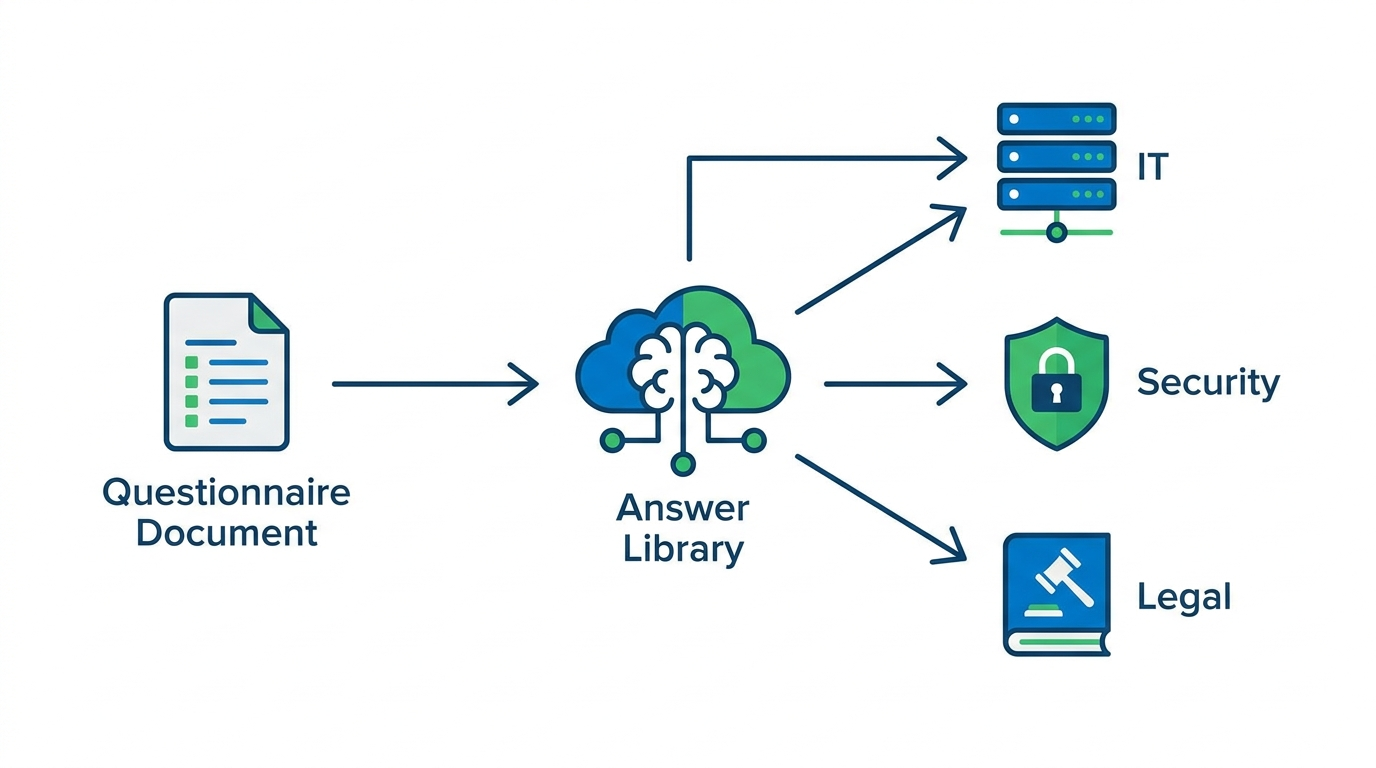
Create one source of truth for approved answers, tagged by topic and mapped to the frameworks you see most. Give every entry an owner and a review date so nothing goes stale without someone noticing. This library, not the last person to touch the file, becomes the authority.
Route questions to the right SME
Assign topics to owners in advance: identity questions to IT, data handling to security, contractual items to legal. When a new questionnaire lands, route only the genuinely new or changed questions to your experts instead of dropping the whole document on them. Most questions will already have an approved answer waiting.
Handle multi-tab Excel without breaking formatting
SIG and many custom questionnaires arrive as multi-tab Excel workbooks with locked cells, dropdowns, and scoring tabs. Answer in place so you preserve the buyer's structure and scoring; retyping responses into their template by hand is exactly where errors and broken formatting creep in. Filling the workbook directly keeps the file audit-ready, and AI can now autofill Excel questionnaires so the tabs stay intact.
Keep an audit trail
Record who approved each answer and when. If a buyer challenges a response, or your own auditor comes calling, you can point to the source and the sign-off instead of reconstructing the decision from memory months later.
Manual versus assisted response
The difference between a team that dreads questionnaires and one that clears them quickly usually comes down to how much is reused rather than redone. The comparison below shows where the time goes.
| TASK | MANUAL APPROACH | ASSISTED APPROACH |
|---|---|---|
| Finding approved wording | Search inboxes and old files | Retrieved from the answer library |
| Repeated fields | Retyped on every questionnaire | Filled automatically |
| SME involvement | Every question, every deal | Only new or changed answers |
| Multi-tab Excel | Re-typed into the template | Answered in place |
| Audit trail | Reconstructed after the fact | Captured as you go |
Where automation helps, and where a human signs off
Automation is strongest at retrieval and drafting: matching an incoming question to your best approved answer, filling repeated fields, and flagging gaps where no approved answer exists. It is weakest at judgment. A tool should never quietly assert a control you do not actually have in place. The workable model is assisted rather than autonomous: software proposes an answer, a subject matter expert confirms anything material, and the system records the decision. That keeps speed and accountability in the same workflow, which is the whole point of answering a security questionnaire well.
RocketDocs pairs a governed answer library with AI that drafts responses and fills multi-tab spreadsheets in place, so your team clears more security questionnaires without adding headcount. See how the platform handles security and vendor questionnaires, or read how recent releases strengthened questionnaire controls.
Looking for the platform behind this? See the RocketDocs platform or book a demo.


